How to Create an ATS Friendly CV with Gemini AI: A Step-by-Step Guide
- account_circle Muhammad Ibrahim
- calendar_month Selasa, 1 Sep 2026 16:20 WIB
- visibility 12
- comment 0 komentar
- print Cetak

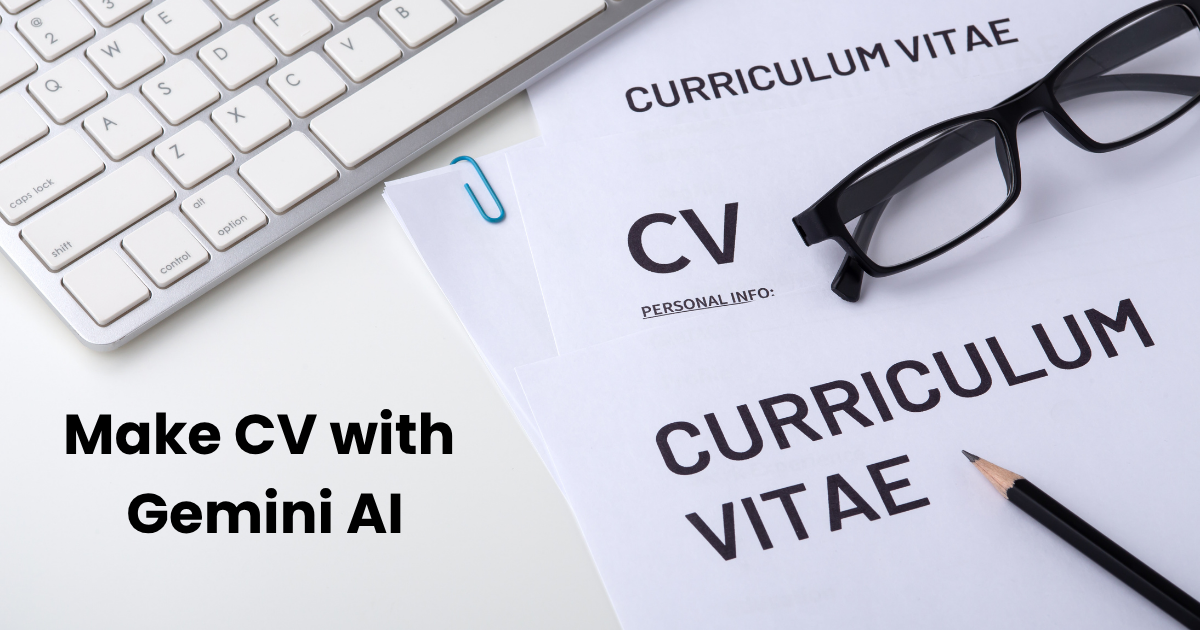
How to Create an ATS Friendly CV with Gemini AI: A Step-by-Step Guide (Sumber: Canva/Getty Images/everydayplus/Edited by Muhammad Ibrahim)
info Atur ukuran teks artikel ini untuk mendapatkan pengalaman membaca terbaik.
Full Name & Contact Information
Educational Background: High school and university degrees, including your major, relevant coursework, GPA, and academic honors.
Work & Internship Experience: Detailed employment history including start/end dates, job titles, key responsibilities, and quantifiable achievements.
Certifications & Key Achievements: Industry-recognized certificates, awards, and relevant training.
Additional Relevant Details: Volunteer work, languages spoken, or technical tools you master.
(Tip: You can also ask Gemini AI: “What key information should I include in a resume for a [Job Title] role?” to make sure you don’t miss anything).
- Use an Optimized Prompt
Copy and paste the following prompt into the chat box, filling in your specific details:
“Please generate an ATS-friendly resume based on the personal data provided above, tailored specifically for a [Insert Target Job Title] position. Format the content using clear bullet points, industry-standard section headings, and action-driven language with relevant keywords. Provide the output in a clean layout that can easily be copied into Microsoft Word or exported as a PDF.”
- Generate and Refine
Send the prompt and wait for Gemini AI to compile your resume. Review the output, make any personal tweaks, and save your finalized CV in both Word and PDF formats.

- Penulis: Muhammad Ibrahim