How to Create an ATS Friendly CV with Gemini AI: A Step-by-Step Guide
- account_circle Muhammad Ibrahim
- calendar_month Selasa, 1 Sep 2026 16:20 WIB
- visibility 11
- comment 0 komentar
- print Cetak
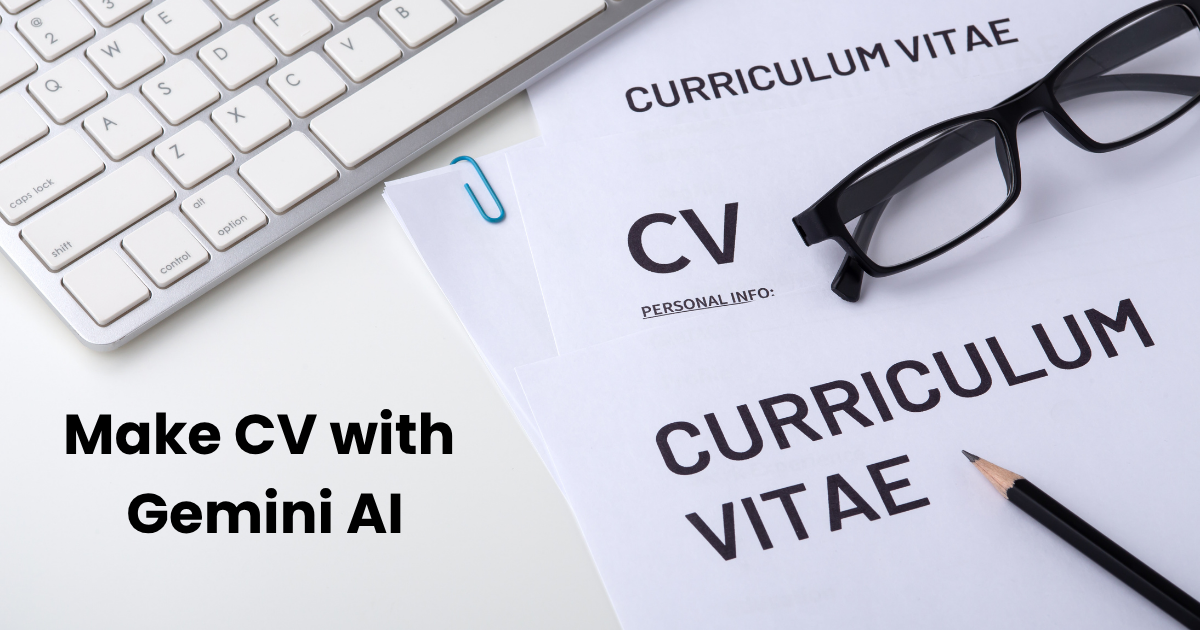
How to Create an ATS Friendly CV with Gemini AI: A Step-by-Step Guide (Sumber: Canva/Getty Images/everydayplus/Edited by Muhammad Ibrahim)
info Atur ukuran teks artikel ini untuk mendapatkan pengalaman membaca terbaik.
HASANAH.ID – Learning how to create an ATS friendly resume using Gemini AI can significantly increase your chances of landing job interviews in today’s competitive hiring market.
Many companies rely on Applicant Tracking Systems (ATS) to screen hundreds of job applications before a human recruiter even views them.
Using artificial intelligence tools like Gemini AI simplifies this process, allowing you to format, structure, and optimize your CV to pass automated screeners effortlessly.
What is an ATS-Friendly CV?
An ATS-Friendly CV is a resume built with a simple structure, professional language, and relevant industry keywords tailored to the specific position you are applying for.
Its layout is clean and free of excessive graphic elements, complex tables, or decorative designs that could scramble the scanning process of automated systems.
The main objective is to ensure that all critical information, such as educational background, work experience, and core skills, can be accurately parsed and detected by ATS software.
Baca Juga: Bocoran Spesifikasi Tecno Pova 8 Pro 5G: Bawa Layar 144Hz, Baterai 6500mAh, dan Fitur AI Canggih
With Gemini AI, crafting an optimized, ATS-compliant resume takes only a few simple steps:
How to Create an ATS Friendly CV with Gemini AI
- Access Gemini AI
Open the Gemini AI platform on your browser or mobile application.
- Prepare and Input Your Personal Information
Gather and enter all your relevant professional details, including:

- Penulis: Muhammad Ibrahim